


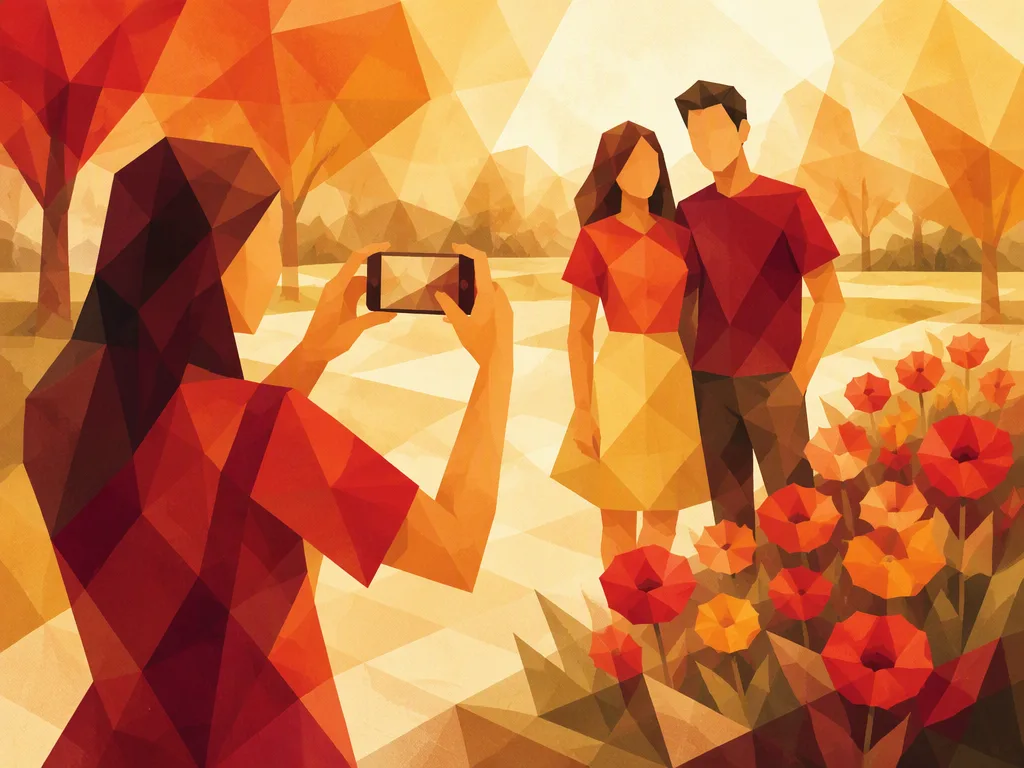
Tomar fotos
Explora vocabulario sobre cámaras y frases útiles para tomar, revisar y compartir fotos.
Preview
Questions with solutions-
1. Elige la respuesta correcta.
What do the friends want?
Two friends hand you a phone. “Could you take a photo of us?”
- A picture of you alone.
- A picture of them together.
- A picture of their phone.
Show solution
- A picture of them together.
“Take a photo of us” is a useful way to ask someone to photograph you and the people with you.
-
2. Elige la respuesta correcta.
¿Qué debes hacer?
“Your finger is covering the camera lens.”
- Move your finger away from the lens.
- Make the phone screen brighter.
- Move the camera closer to your friend.
La cámara necesita una vista despejada.
Show solution
- Move your finger away from the lens.
El lente deja entrar la luz a la cámara. Un dedo sobre él puede bloquear la imagen.
-
3. Elige la respuesta correcta.
¿Qué tipo de foto está tomando Mia?
Mia holds her phone at arm's length and takes a photo of herself.
- A group photo.
- A landscape photo.
- A selfie.
Show solution
- A selfie.
Una selfie también puede incluir a otras personas, siempre que la persona que la toma aparezca en la foto.
-
4. Elige la respuesta correcta.
¿Qué está pidiendo tu amigo?
“My eyes were closed in that photo. Could we take it again?”
- Another copy of the same photo.
- A new photo.
- A larger version of the same photo.
Show solution
- A new photo.
Puedes decir “Let's take another one” cuando una foto no sale bien.
-
5. Elige la respuesta correcta.
¿Qué quiere hacer Ben a continuación?
Ben has just taken a photo. “Let's check it before we leave.”
- Look at the photo he just took.
- Delete the photo without looking at it.
- Take a photo of a different place.
Show solution
- Look at the photo he just took.
Revisar una foto de inmediato te da tiempo para tomar otra si es necesario.
-
6. Elige la respuesta correcta.
Which camera feature provides the light?
The room is dark. You need a quick, bright light from the camera when you take the photo.
- The zoom.
- The timer.
- The flash.
This feature lights up the scene for a moment.
Show solution
- The flash.
A flash gives a short burst of light. It is different from a light that stays on.
-
7. Elige la respuesta correcta.
¿Cómo puedes hacer que el gato se vea más grande en la imagen sin moverte?
A cat is far away. It looks very small on your camera screen.
- Zoom out.
- Zoom in.
- Turn the camera sideways.
Quieres una vista más cercana, no una más amplia.
Show solution
- Zoom in.
Acercar el zoom hace que algo se vea más cerca. Alejar el zoom muestra más del área que lo rodea.
-
8. Elige la respuesta correcta.
¿Qué función te da tiempo para unirte a tus amigos?
You put your camera on a table. You want it to wait a few seconds before taking the group photo.
- The timer.
- The flash.
- The zoom.
Esta función controla cuándo la cámara toma la foto.
Show solution
- The timer.
Un temporizador te permite salir en la foto sin sostener la cámara.
-
9. Elige la respuesta correcta.
¿Qué deberías tocar para enfocar el rostro de tu amigo?
Your friend is standing near some flowers. On your phone screen, the flowers look clear, but your friend's face does not.
- The flowers on the screen.
- The sky on the screen.
- Your friend's face on the screen.
Toca la parte que quieres que se vea nítida.
Show solution
- Your friend's face on the screen.
En muchos celulares, tocar una parte de la imagen le indica a la cámara dónde enfocar.
-
10. Elige la respuesta correcta.
What should you do to keep the camera from moving?
Your hand shakes as you take the photo, and the whole picture looks blurry.
- Move the phone closer to your friend.
- Hold the phone still.
- Turn the phone sideways.
The problem is movement, not distance.
Show solution
- Hold the phone still.
Holding your phone with both hands can help keep it steady.
-
11. Elige la respuesta correcta.
What can you do to get everyone in the picture?
You are taking a group photo. The friends at each end don't fit in the picture. There is plenty of space behind you.
- Step back.
- Step closer.
- Ask everyone to spread out.
Think about what happens when you move farther from the group.
Show solution
- Step back.
Moving back lets the camera show more of the scene, so a wider group can fit.
-
12. Elige la respuesta correcta.
¿Qué parte de la foto quiere cambiar tu amigo?
“There is a trash can behind you. Let's find a nicer background.”
- The clothes you are wearing.
- The way you hold the camera.
- The things behind you.
Fíjate en dónde está el bote de basura.
Show solution
- The things behind you.
Un fondo sencillo puede ayudar a que la gente se fije en la persona que aparece en la foto.
-
13. Elige la respuesta correcta.
What can you do to make space for new photos?
Your phone says “Storage full” and cannot save another photo. You have many old, blurry photos that you do not want.
- Make copies of the old photos.
- Delete the old photos you do not need.
- Put the old photos in a new album.
The phone needs fewer saved files, not a different album.
Show solution
- Delete the old photos you do not need.
An album helps organize photos, but it does not remove them from your phone.
-
14. Elige la respuesta correcta.
What does your friend want you to do?
“Please send the photo to me, but don't post it online.”
- Send the photo to your friend in a private message.
- Post the photo on a public page.
- Post the photo on a page that all your classmates can see.
Your friend wants you to send the photo privately, not post it for others to see.
Show solution
- Send the photo to your friend in a private message.
You can send a photo directly to one person without posting it online.
-
15. Elige la respuesta correcta.
What can you do to get direct sunlight on your friend's face?
Your friend is facing away from the sun. Their face looks dark in your photo.
- Ask your friend to move farther away from you.
- Ask your friend to stay facing away from the sun.
- Ask your friend to turn toward the sun.
Think about which side of your friend the sunlight reaches.
Show solution
- Ask your friend to turn toward the sun.
Light from behind can leave a face in shadow. Light from the front helps show the face.