


Theme & Story
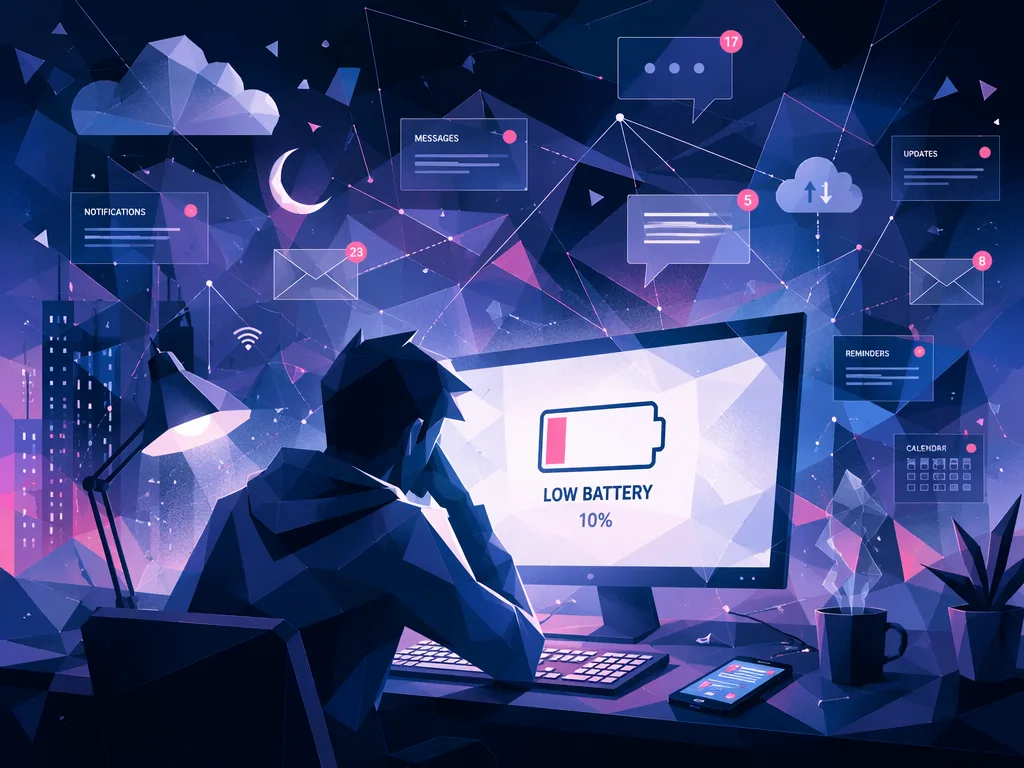
“System Online (The Digital Life)” is a playful tour through everyday technology. The song begins like a computer starting up—“Boot sequence initiated. System online.”—and then moves through common digital actions: logging in, using Wi‑Fi, clicking links, scrolling feeds, checking apps, charging a battery, sending messages, saving files, and finally shutting down.
For language learners, the song is useful because it presents technology vocabulary in simple, action-based sentences. It feels like a day in modern digital life, where everything happens quickly and we are constantly connected.
Metaphors & Meaning
The song is mostly literal, but it also uses some strong digital metaphors:
- “Download the future, upload your mind” suggests that technology is changing how we think, learn, and live. “Download” and “upload” are computer actions, but here they describe human life and imagination.
- “In this digital world, don’t be left behind” reflects a modern cultural pressure: people often feel they must keep up with new devices, apps, and online habits.
- “Information highway” is a common metaphor for the internet. It imagines data moving like cars on a fast road.
- “Silent matrix, everything is loud” creates a contrast. Digital spaces may be physically silent, but they are full of notifications, messages, news, and information.
- “Reboot the core” can mean restarting a computer, but it can also suggest starting fresh when life feels overloaded.
- The ending—“Close the app. Log out. Shut down. System offline.”—gives the song a complete cycle, like a machine’s day ending. It may also gently remind us to disconnect sometimes.
Vocabulary & Slang
- Boot sequence: the startup process of a computer or system.
- System online/offline: connected and active / disconnected and inactive.
- Make a mark: to create an impact or do something noticeable.
- Hackers: people who try to access computer systems, sometimes illegally.
- Log in / log out: enter or leave a digital account or system.
- Wi‑Fi is strong: the wireless internet connection is good.
- Click with the mouse: press a computer mouse button to select something.
- Download / upload: receive data from the internet / send data to the internet.
- Feed: a stream of posts, videos, or updates on social media.
- Swipe left / swipe right: move your finger across a screen; culturally, this can also refer to dating apps, where swiping left often means “no” and swiping right means “yes.”
- App: short for “application,” a program on a phone or computer.
- Battery is low / flashing in the red: the device is almost out of power.
- Frozen screen: a screen that stops responding.
- Attachment: a file sent with an email.
- Reboot: restart a device or system.
- Back up to the cloud: save copies of files online.
Grammar Notes
- Imperatives are common: The song uses many command forms, such as “Look,” “Type,” “Enter,” “Log in,” “Connect,” “Click,” “Download,” “Upload,” “Swipe,” “Check,” “Plug in,” “Save,” and “Close.” Imperatives are useful for instructions and technology language.
- Present participles show ongoing action: Phrases like “glowing in the dark,” “trying to make a mark,” “scrolling up,” and “running at full speed” use -ing forms to describe continuous activity.
- Contractions create a casual tone: “that’s,” “don’t,” “we’re,” and “gonna” make the lyrics sound conversational. “Gonna” is informal spoken English for “going to.”
- Elliptical commands and short sentences: Lines like “Close the app. Log out. Shut down.” are short and direct. This matches the language of computer commands and makes the ending feel mechanical.
- Personification: “The system said” gives the device human-like speech. This is common in songs and stories, and it makes technology feel alive.